Arduino AppleMIDI and McLaren rtpmidi
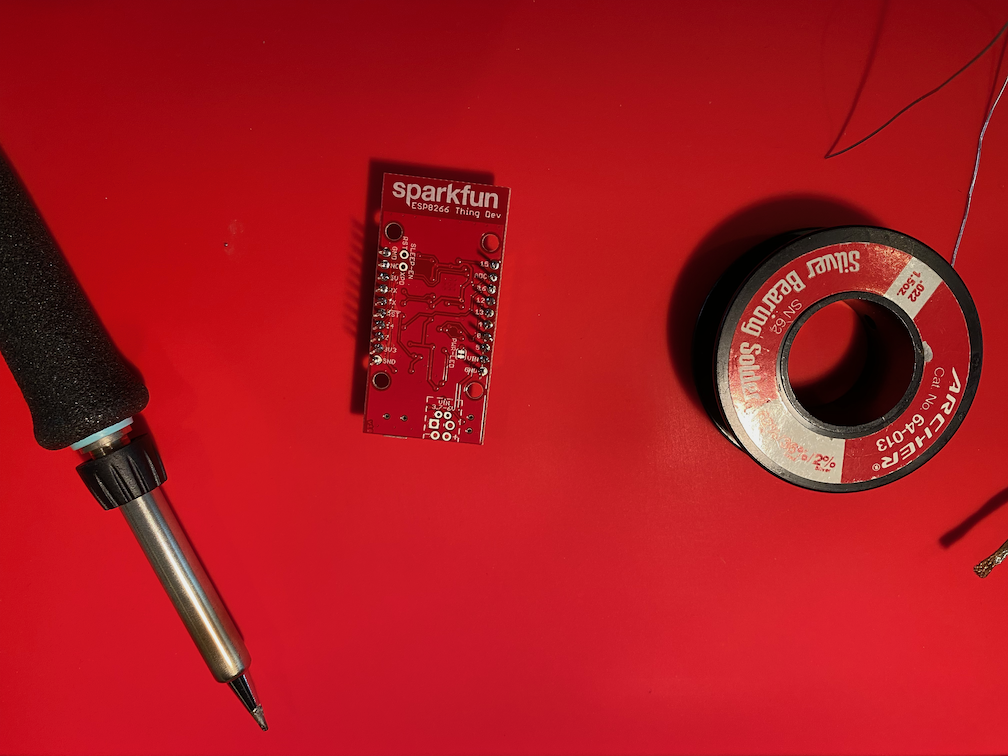
SparkFun ESP2866 "Thing Dev" board
SparkFun ESP2866 "Thing Dev" board
Last year, in https://mclarenlabs.com/blog/2019/01/15/korg-microkey-air-37-bluetooth-midi-keyboard-with-raspberry-pi/, I described how to compile a Bluetooth update for your Pi and how to connect a Korg Bluetooth keyboard to your Pi wirelessly. Raspbian "Buster" includes bluez-5.50. The code for version 5.50 includes support for Bluetooth MIDI, but it is not enabled in the "Buster" distribution. This article describes what I discovered in compiling bluez-5.50 for "Buster" and how I installed it to get Bluetooth MIDI working on my Raspberry Pi4.
A service is a program that the operating system automatically starts when it boots. On the Raspberry Pi "buster" operating system, the daemon that starts and stops services is called "systemd." You can read about creating services here:
Along with the recent release of McLaren Labs rtpmidi version 0.5.0, we have new ports to Raspberry Pi 4 Raspbian OS "Buster" and also Ubuntu 19.10 "Eoan Ermine".